
DPI resolution calculator
PPI, or “pixels per inch,” is a key parameter that determines the resolution of a print. Our resolution calculator is a tool that helps you determine the optimal resolution for a variety of printed projects – from T-shirts to custom posters to billboards. For example, if you plan to print a banner that will be viewed from a distance of 1.5 meters, the PPI calculator will help you determine the optimal resolution for your graphics.
Simply select the type of medium from the drop-down menu and then enter the viewing distance of the print. You can also enter your own custom viewing distance. Our resolution calculator will instantly calculate the most appropriate resolution for you. It is an extremely useful tool for graphic designers, photographers, advertising agencies and anyone who wants to get the best possible print results.

DPI resolution calculator
Determine the optimal resolution for your graphic design

Print size calculator
Calculate image sizes for printing

Check the quality of the image
Check graphics quality for printing in different formats
Calculate the resolution of the image:
Now that you know the best image resolution the pixel dimension calculator will determine how many pixels your graphic should have.
Dimension calculator in pixels
DPI or PPI? What is the difference?
Basically, the acronym DPI is a technical term that refers to the dots of ink that a digital printer prints. PPI, in turn, is the number of pixels per inch. The two abbreviations are often confused for an obvious reason: they both refer to the small dots of which an image is composed. Our calculator focuses on pixels so, for the purposes of this article only, let’s assume that both terms mean the same thing: pixels per inch.
Is 300 dpi high quality?
It is worth knowing that high resolution in itself does not mean quality. It just means the ratio of the number of pixels to the dimensions of the image. To increase the resolution just reduce the size of the print. A small image can have a high resolution but when you enlarge it it will still be very poor.
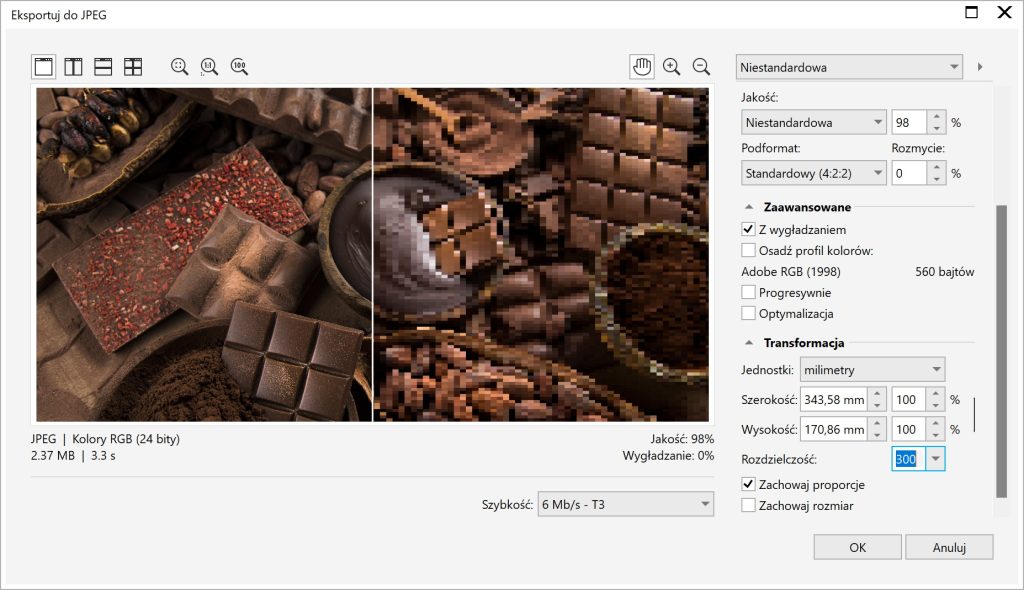
For the quality of the image, the key moment is when we export the graphic from the graphics program in which it was created. If we correctly determine the physical size of the image and set a high resolution (for example, 300) then our graphics will be very large, which will positively affect the quality of printing.
Use our tool: Check image quality for printing.
Can the resolution be less than 300dpi?
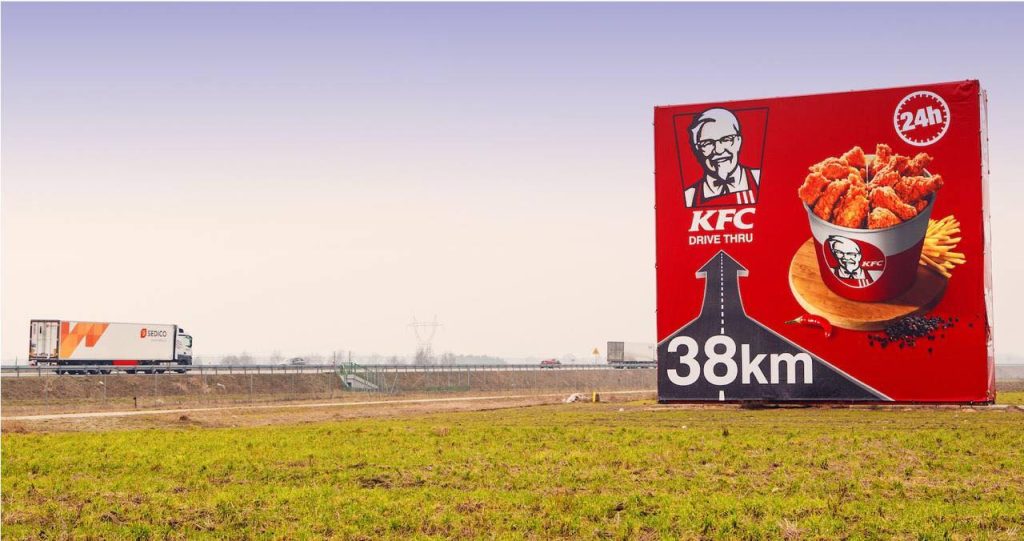
Yes, the resolution can be less than 300 DPI. In fact, the choice of resolution depends on several factors, including the distance from which the print will be viewed. For example, for images that will be viewed from a distance, such as billboards, the resolution can be much lower – as low as 15 DPI. Of course, for images viewed up close, such as photographs, a higher resolution is usually recommended. Remember that 300 DPI is the conventional standard for printing, which guarantees good image quality, but it is not always necessary or optimal. In any case, it is always best to tailor the resolution to the specific project and application.
You can read more about this in our article: how to avoid printing errors.
Dpi viewing distance resolution Table
Below is a table showing typical viewing distances for various print ads along with their corresponding DPI resolutions, calculated using our DPI calculator. This table serves as a reference for understanding how viewing distance affects the required print resolution. However, these values may vary depending on your specific application, so we always recommend using our DPI calculator to get the most optimal results for your specific project.
| Type of printing | Typical viewing distance (m) | DPI resolution |
|---|---|---|
| T-shirts | 0.5 | 300 |
| Poster | 0.7 | 254 |
| Fence banner | 1.5 | 137 |
| Decals for company cars | 1 | 180 |
| Store window | 1.5 | 137 |
| Billboard | 15 | 15 |
Frequently Asked Questions:
Optimal DPI values vary depending on the viewing distance For example, for printing on T-shirts, 300 DPI is usually used, while 15 DPI is sufficient for billboards. For more accurate information, use our DPI calculator.
DPI is an abbreviation for “dots per inch,” which stands for the number of dots placed on a line one inch long. The higher the DPI value, the higher the resolution and sharpness of the image.
Viewing distance is important because the farther you are from the image, the less detail you are able to see. Therefore, images viewed from afar, such as billboards, may have a lower resolution (lower DPI value), while images viewed up close, such as photographs, require a higher resolution.
Yes, our DPI calculator allows you to enter a custom viewing distance. Just enter the desired distance in the appropriate field and the calculator will calculate the appropriate resolution for you.